
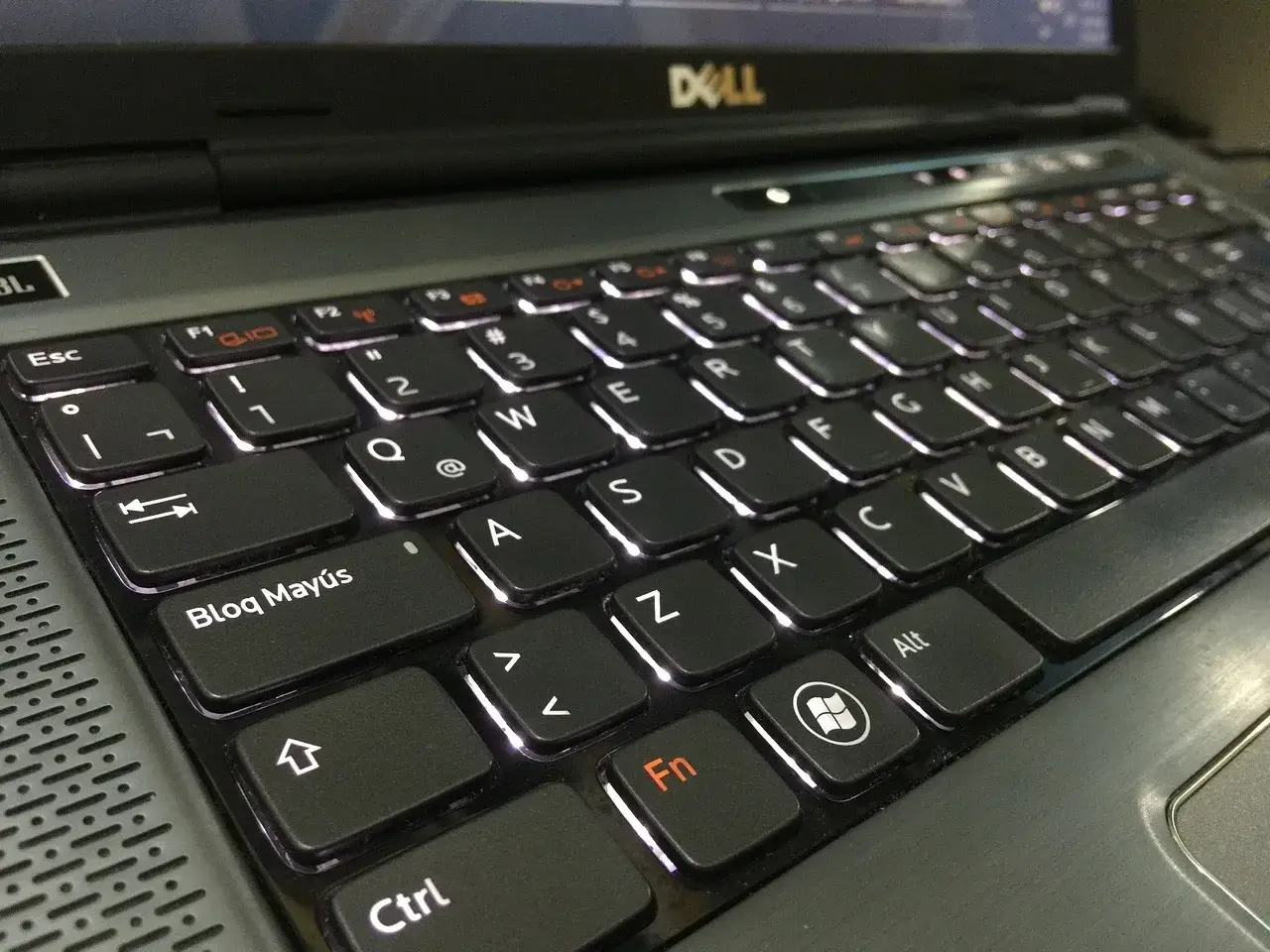
Creating a productive home office environment often comes down to having the right hardware accessories. While a comfortable chair and a reliable computer are essential, investing in a few key accessories can significantly enhance your work experience. Whether you’re looking to increase comfort, efficiency, or organization, these accessories can take your home office setup to the next level. Here’s a guide to the best hardware accessories for your home office.
Ergonomic Keyboard and Mouse
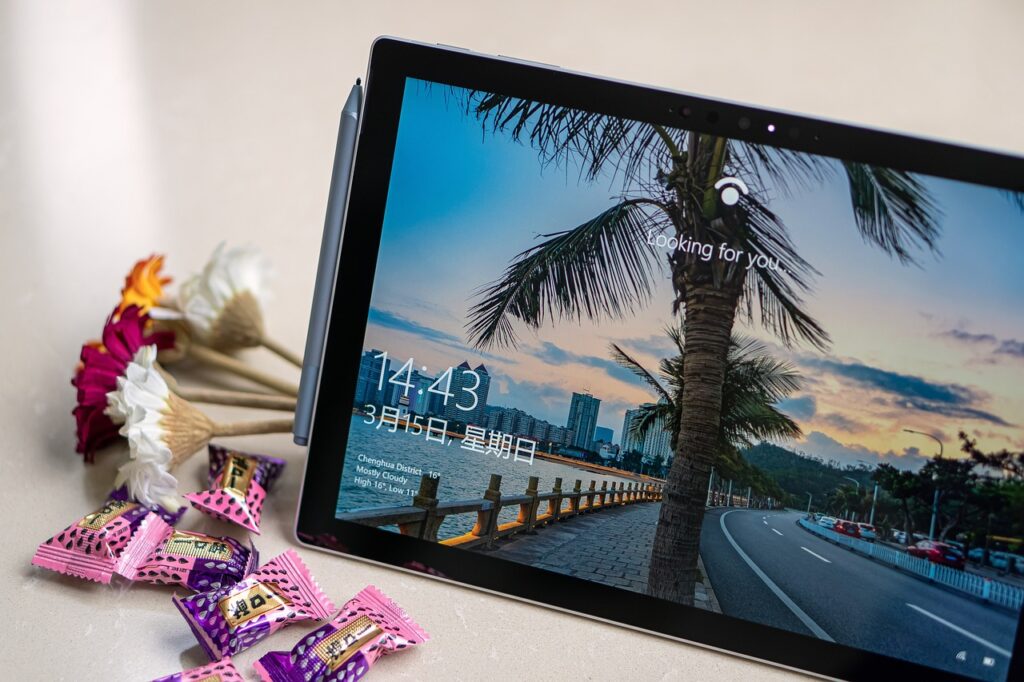
Spending long hours at your desk can take a toll on your wrists and hands, leading to discomfort and even repetitive strain injuries. An ergonomic keyboard and mouse are designed to reduce strain by encouraging a more natural hand position, which can prevent fatigue over time.
Ergonomic keyboards typically feature a split layout, curved design, and wrist support, helping you type comfortably for long periods. Pair this with an ergonomic mouse, which is designed to fit the natural curve of your hand, and you can drastically reduce strain during extended work sessions. These tools are essential for anyone who types or uses a mouse extensively throughout the day.
Adjustable Monitor Stand
Maintaining good posture is critical for comfort and productivity in a home office. An adjustable monitor stand allows you to raise your screen to eye level, helping prevent neck and back strain. Ideally, your monitor should be at eye level so that you don’t need to tilt your head up or down while working.
Adjustable stands also provide extra desk space by lifting your monitor off the surface, allowing for better organization of your workspace. Some monitor stands even come with built-in storage compartments, making it easier to keep your desk clutter-free.
Data loss can be catastrophic, especially when your home office is your main work hub. An external hard drive provides an easy way to back up important files and ensure that your data is safe in the event of a hardware failure. While cloud storage is convenient, an external hard drive offers faster transfer speeds and immediate access without relying on the internet.
Opt for a high-capacity external hard drive or a solid-state drive (SSD) for faster performance. Regular backups of your files are crucial for ensuring that your work is secure and can be quickly restored if something goes wrong.
Noise-Cancelling Headphones
Distractions are a common challenge when working from home, especially if you share your space with others. Noise-cancelling headphones can help you stay focused by blocking out background noise, whether it’s the hum of appliances or conversations in the next room.
These headphones are ideal for conference calls and video meetings, ensuring that you hear and are heard clearly. Many models also offer built-in microphones, making them a versatile tool for communication and concentration.
Modern laptops and desktops often come with a limited number of USB ports, which can be an issue when you need to connect multiple devices, such as external drives, printers, or a keyboard and mouse. A multi-port USB hub expands the number of available ports, allowing you to connect all your peripherals without constantly plugging and unplugging devices.
Some USB hubs even offer additional features like SD card readers, fast charging ports, and HDMI outputs, making them incredibly versatile for home office setups.
Good lighting is essential for maintaining focus and reducing eye strain during long work hours. A desk lamp with adjustable brightness and color temperature settings allows you to customize the lighting to suit your needs throughout the day. Warm lighting can help create a relaxing atmosphere, while cooler light is ideal for concentration.
Look for a lamp with a flexible arm, so you can direct the light exactly where you need it, whether it’s on your workspace or your monitor. Some modern desk lamps also come with built-in USB ports for charging your devices, adding extra functionality to your home office.
Cable Management Tools
A cluttered workspace can hinder productivity and cause unnecessary stress. Cable management tools, such as cable clips, ties, and sleeves, help you keep wires and cords neatly organized. This not only improves the aesthetics of your workspace but also reduces the risk of tripping over cables or damaging equipment.
By using cable management accessories, you can easily identify and access the cords you need without dealing with a tangled mess. A well-organized setup promotes a more professional and efficient work environment.
Power outages or electrical surges can damage your home office equipment, from computers to printers. A surge protector guards against sudden voltage spikes, protecting your valuable devices. Many surge protectors now come with USB ports, allowing you to charge your phone, tablet, or other devices without taking up additional outlets.
Some advanced surge protectors also offer smart features like energy monitoring, helping you track your power usage and potentially save on electricity costs.
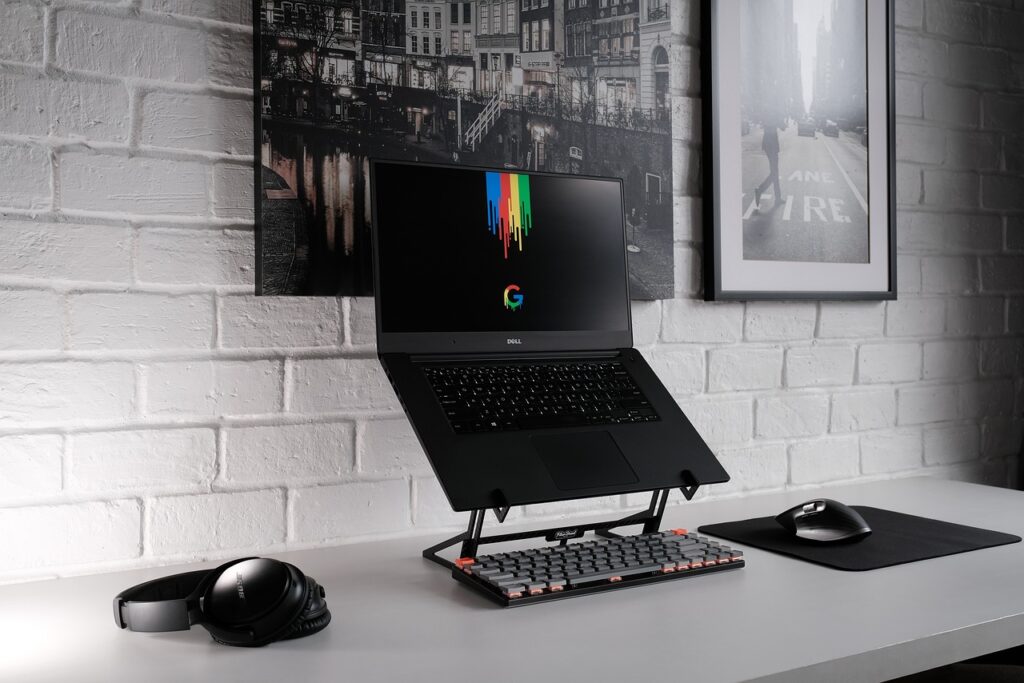
If you use a laptop as your primary work device, a portable laptop stand is an essential accessory for your home office. A stand elevates your laptop to a more comfortable viewing angle, helping to prevent neck and shoulder strain. Many portable stands are adjustable, lightweight, and foldable, making them easy to move around or store when not in use.
Pairing a laptop stand with an external keyboard and mouse can also transform your laptop into a more ergonomic workstation, allowing you to work comfortably for longer periods.
Wireless Charger
Keeping your phone charged and within reach is important when you’re working from home. A wireless charger eliminates the need for messy cables, allowing you to charge your phone quickly and conveniently. Simply place your phone on the charging pad, and it will charge while staying within easy reach for calls or notifications.
Some wireless chargers are designed to charge multiple devices at once, such as your phone, smartwatch, and wireless earbuds, making them a great all-in-one charging solution for your desk.
By incorporating these hardware accessories into your home office setup, you can create a more efficient, organized, and comfortable work environment. Each accessory plays a vital role in improving productivity, whether by enhancing ergonomics, increasing organization, or providing additional functionality.



Leave a Reply